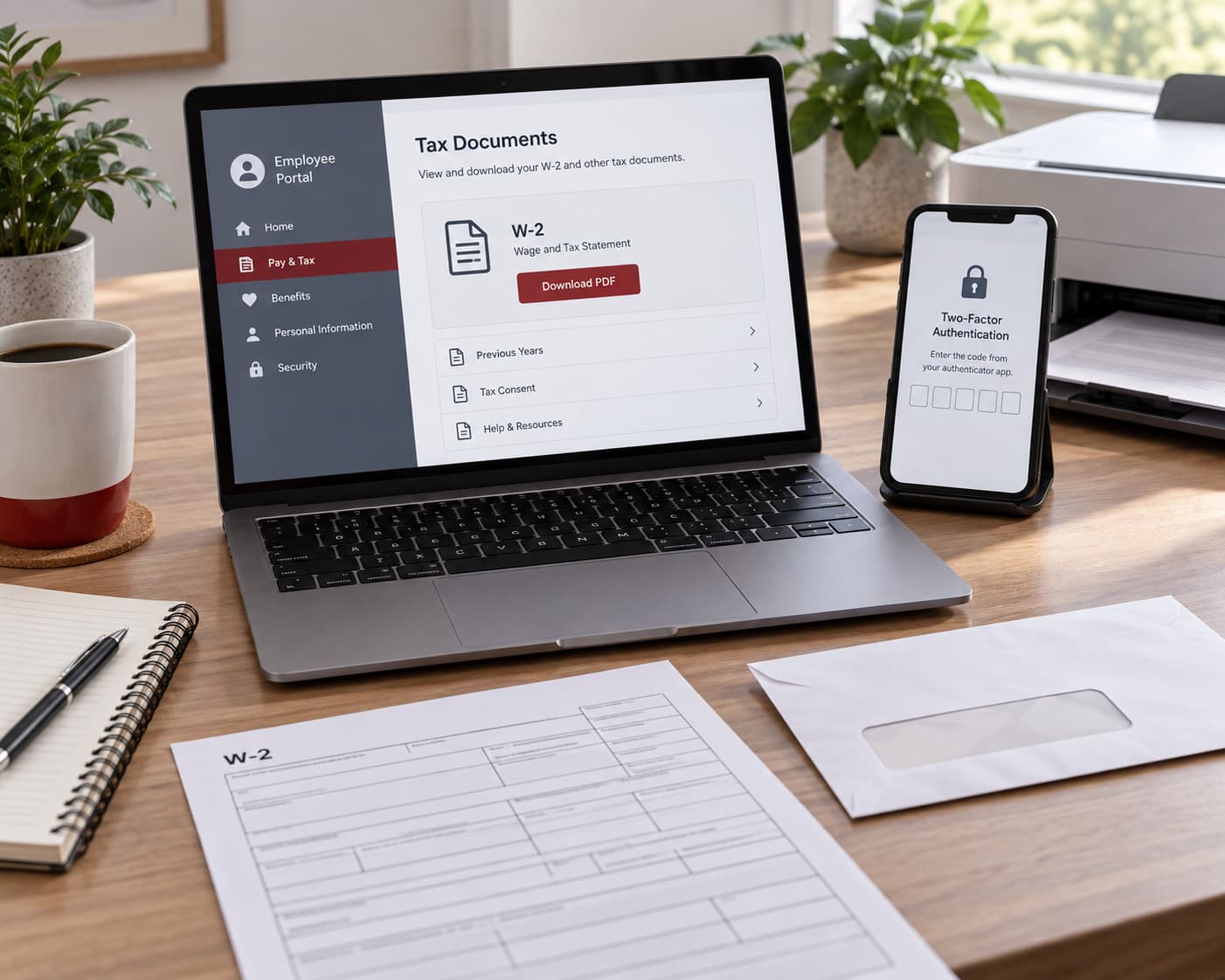
A JCPenney W2 is available through the Associate Kiosk. Current associates should use My Kiosk @ Home, while former associates can use the Former Associate Kiosk for up to 18 months after termination. If online access is unavailable, request a paper reissue from payroll support.
| Your status | Where to start | What to do |
|---|---|---|
| Current associate | My Kiosk @ Home | Open My Money and select View W-2/W-2C Forms |
| Former associate within 18 months | Former Associate Kiosk | Sign in, open My Money and select the tax year |
| Unable to access the kiosk | Catalyst Brands payroll support | Request a paper reissue by mail |
| W-2 is missing or incorrect | Employer first, IRS if unresolved | Request the form or a correction |
How to Get Your JCPenney W-2 Online
The route to the form is similar for current and former associates, but each group uses a different login option on the official JCPenney associate portal.
Current JCPenney associates
Current associates can retrieve a W-2 through My Kiosk @ Home:
- Open the official associate portal.
- Select My Kiosk @ Home under Active Associates.
- Sign in and select My Money.
- Open View W-2/W-2C Forms.
- Select the required Tax Year.
- Open the appropriate Year End Form.
Verify the tax year before saving or printing the PDF, particularly if the account contains forms for several years.
Former JCPenney associates
Former associates should use the JCPenney Former Associate Kiosk:
- Open the official associate portal.
- Select Former Associate Kiosk.
- Sign in with the assigned Employee ID.
- Select My Money.
- Open View W-2/W-2C Forms.
- Choose the required tax year and Year End Form.
The Former Associate Kiosk remains available for up to 18 months after the termination date. Once that period has passed, request a replacement W-2 rather than relying on continued kiosk access.
How Former Associates Can Access the Kiosk
The Former Associate Kiosk uses a nine-digit User ID based on the associate’s Employee ID. If the Employee ID contains fewer than nine digits, add leading zeros until the User ID has exactly nine digits.
Former associates who do not remember the number can select Look Up Employee ID on the official portal. The lookup process asks for identifying information before displaying the ID.
Older bookmarks or instructions may refer to JCPenney Powerline for former employees. For W-2 access, start at jcpassociates.com, which currently provides the Former Associate Kiosk, Employee ID lookup and electronic W-2 instructions.
Opening the form may trigger two-factor authentication. The verification code is sent by email or SMS using the contact details stored in the employee record. If the email address or mobile number has changed, assistance may be required to update those fields.
Follow the password instructions displayed on the official Former Associate Kiosk page. Do not email a complete Social Security number, password or verification code. A W-2 reissue request requires only the last four digits of the SSN.
How to Request a Paper or Replacement W-2
An associate who can still enter the kiosk can request a mailed copy through the payroll menu:
- Open Main Menu.
- Select Self Service.
- Open Payroll and Compensation.
- Select JCP W-2 Reissue Request.
- Enter the required tax year.
- Select the delivery location and submit the request.
Allow 2–3 business days for processing plus another 7–14 days for standard mail delivery. These are separate periods, so the complete process can take more than two weeks.
Requesting a W-2 without kiosk access
Legacy JCP associates who cannot access the kiosk can send a reissue request to:
Include:
- Employee ID, if known;
- full legal name;
- last four digits of the Social Security number;
- store or unit location;
- tax year requested;
- current mailing address.
JCPenney states that W-2 forms will not be emailed. The support address is used to process the request, not to deliver the form as an attachment.
Catalyst Brands lists [email protected] separately for Legacy SPARC associates. Former JCPenney employees should use the Legacy JCP address unless their employment records belong to another legacy business.
Fixing Common JCPenney W-2 Access Problems
| Problem | What to check |
|---|---|
| W-2 PDF does not open | Disable the browser’s pop-up blocker for the kiosk and try again |
| Employee ID is unknown | Use Look Up Employee ID on the official portal |
| User ID is rejected | Confirm that it contains exactly nine digits, including leading zeros |
| Verification code does not arrive | Check whether the stored email address and mobile number are current |
| The wrong form opens | Select View a Different Tax Year and verify the Year End Form |
| Former Associate Kiosk access has expired | Request a paper reissue from payroll support |
| Electronic W-2 is unavailable in Puerto Rico | Request that the form be sent or reissued by mail |
Clearing the browser cache and cookies may resolve a stalled session. However, the pop-up blocker should be disabled when it prevents the PDF from opening in a separate window.
What to Do If Your W-2 Is Missing or Incorrect
If a W-2 has not arrived by the end of January, contact the employer first and confirm when the form will be provided. Also verify that payroll has the correct mailing address.
If the form is still missing by the end of February after contacting the employer, call the IRS at 800-829-1040. Have the following information ready:
- name, address and telephone number;
- Social Security number or ITIN;
- dates of employment;
- employer’s name, address and telephone number.
The IRS can contact the employer and send Form 4852, Substitute for Form W-2. If the W-2 does not arrive in time to file, paycheck stubs can be used to estimate wages and withholding when completing Form 4852. A paystub by itself does not replace Form W-2.
If wages, withholding or personal information are incorrect, ask the employer to issue Form W-2C. If the employer has not corrected the form by the end of February, contact the IRS. When a return has already been filed using incorrect W-2 information, file an amended return with the corrected figures.