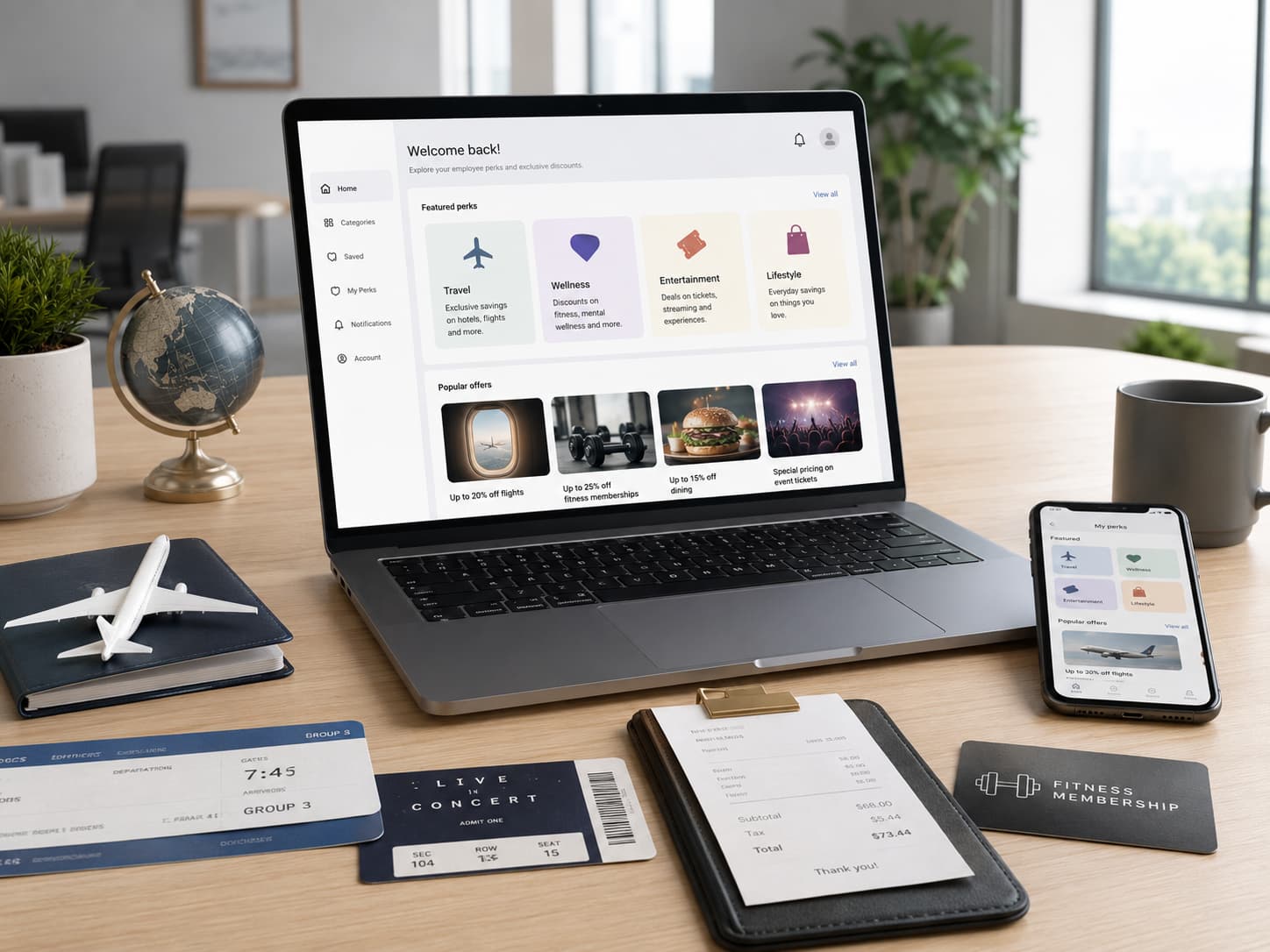
JCPenney PerkSpot is the employee discount portal for JCPenney Perks. Associates can use it to find third-party deals on travel, event tickets, restaurants, gyms, mobile services, vehicles, software and other categories at jcpenney.perkspot.com.
The program is separate from the JCPenney Associate Discount Program, which applies mainly to eligible purchases and services at JCPenney.
What Is PerkSpot and How Does JCPenney Use It?
PerkSpot is an employee discount marketplace. JCPenney uses the service for JCPenney Perks, extending employee savings beyond purchases made directly from the retailer.
The program is free to use and is one of the available JCPenney employee perks. It includes offers in categories such as:
- travel;
- event tickets;
- restaurants;
- gyms and fitness;
- cell phones;
- vehicles;
- software;
- flowers and gifts.
It is not limited to full-time associates, and family members can also use the program. Individual PerkSpot discounts, participating companies and discount levels may change, so current terms should be checked in the account before purchase.
JCPenney PerkSpot Login: How to Sign Up and Access Your Account
Use the dedicated portal:
jcpenney.perkspot.com
To get started:
- Open the employer portal.
- Create an account using a personal or work email address.
- Complete the required verification.
- Select categories that interest you.
- Configure email offers and alerts.
- Sign in to view current discounts.
A general sign-in page also exists, but associates should normally begin with the JCPenney portal so the account is linked to the correct employer program.
After activation, the account can also be used in the mobile app to browse offers, check local deals and receive notifications. Email preferences and Perk Alerts can be adjusted at any time.
What Discounts Are Available Through JCPenney Perks?
The program groups deals into several main categories rather than maintaining a permanent public list of individual offers.
| Category | Typical offers |
|---|---|
| Travel | Hotels and other travel services |
| Event Tickets | Tickets and entertainment |
| Restaurants | Dining offers |
| Gyms | Fitness and membership offers |
| Cell Phones | Mobile services and related products |
| Vehicles | Automotive offers |
| Software | Software and technology |
| Flowers | Flowers, gifts and related services |
An advertised percentage does not automatically mean the lowest available price. For hotels, tickets and other variable-price services, compare:
- the final discounted price;
- taxes and fees;
- cancellation or refund terms;
- the provider's direct price;
- other public promotions.
Travel, Tickets and Entertainment
The discount program extends beyond work-related purchases. Depending on current availability, associates may find deals involving trips, hotels, restaurants, fitness and event tickets.
Before paying the regular price for a hotel, ticket or leisure service, compare the offer in your account with direct prices, memberships and loyalty programs.
JCPenney Perks vs. JCPenney Associate Discount
These programs cover different types of savings.
| JCPenney Perks | JCPenney Associate Discount | |
|---|---|---|
| Platform | PerkSpot | JCPenney |
| Purpose | Third-party employee offers | Savings on eligible JCPenney purchases |
| Typical categories | Travel, tickets, restaurants, gyms, services | JCPenney merchandise and eligible services |
| Portal | jcpenney.perkspot.com | JCPenney employee/store systems |
| Offers | Change regularly | Follow JCPenney associate discount rules |
| Outside brands | Yes | Not the main purpose |
An associate may use both. The retailer's own discount can apply to eligible merchandise or services, while the external marketplace may provide a separate deal for a hotel, restaurant, gym or event ticket.
If a merchandise discount is missing from a JCPenney purchase, the issue generally concerns the Associate Discount Program rather than the third-party discount portal.
How to Get More Value From the Program
- Select relevant categories to reduce irrelevant offers.
- Check Perk Alerts for new deals.
- Compare the final price, not only the advertised percentage.
- Read restrictions, including dates, locations and other conditions.
- Use the mobile app when looking for local or travel offers.
- Recheck before buying because terms can change.