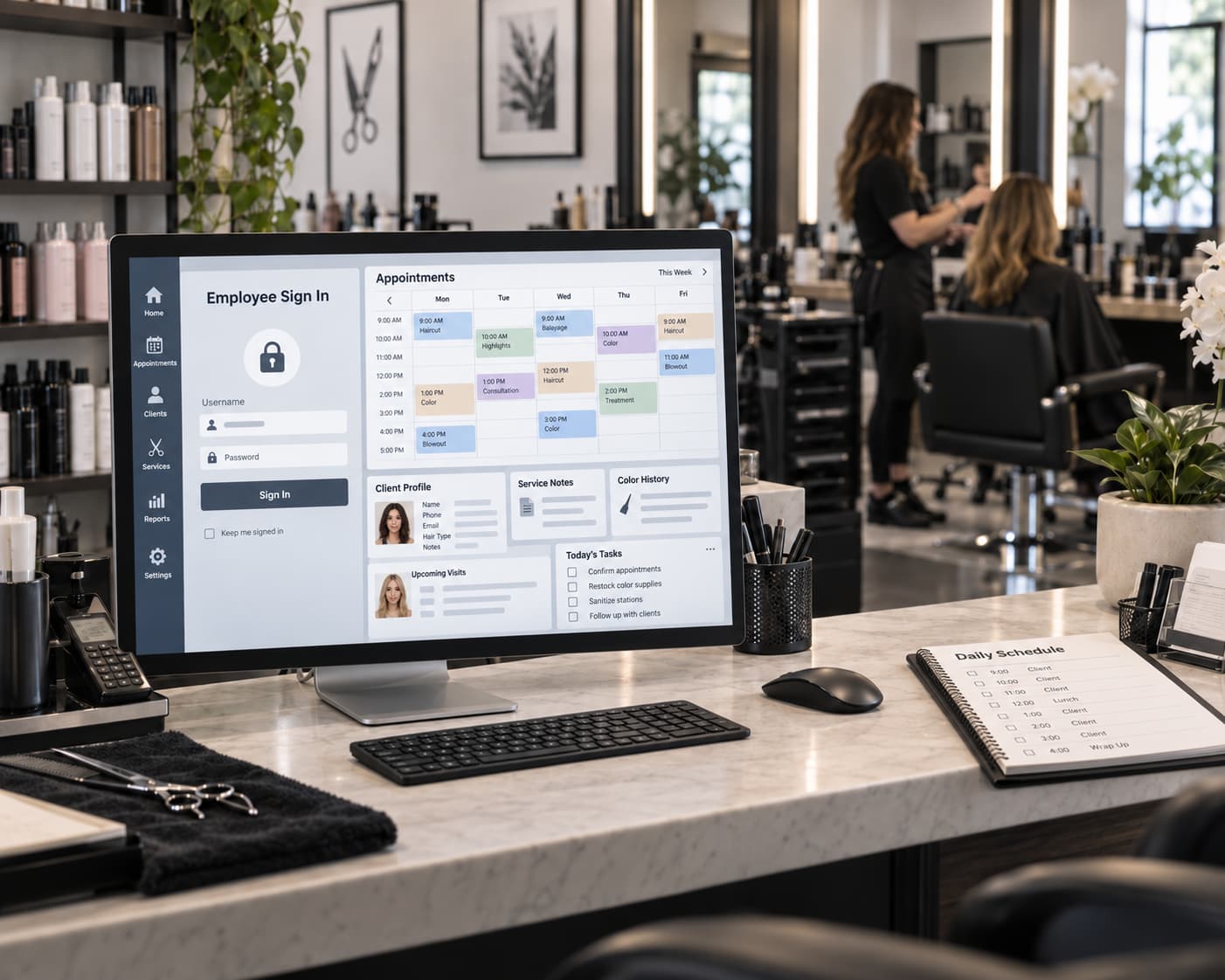
The JCP Meevo login is relevant mainly to JCPenney Salon associates who use Meevo for salon operations such as appointments, client records and transactions. It is different from the regular JCPenney Associate Kiosk and from customer salon booking. If you are trying to access JCPenney Meevo, make sure you are using the access method intended for an employee rather than a customer booking account.
What Is JCP Meevo?
Meevo is a cloud-based salon and spa management platform. In the JCPenney Salon environment, it is used for tasks such as scheduling appointments, managing client records and processing salon transactions.
For associates, JCP Meevo therefore serves a different purpose from the general JCPenney employee systems used for pay, benefits or work schedules.
Meevo is not the system to use for:
- pay stubs or W-2 forms;
- employee benefits;
- JTime work schedules;
- general Associate Kiosk self-service.
Those functions belong to other JCPenney employee services.
How JCPenney Authentication Fits In
JCPenney associates may encounter the company's corporate authentication system while opening authorized internal services.
JS.JCPenney.com Authentication
js.jcpenney.com is an official JCPenney authentication endpoint. The page asks for a User Name and Password and provides options for changing or recovering a password.
If an access link supplied by JCPenney redirects you to this page, use the credentials assigned to your JCPenney account. Do not use a customer salon booking account.
The authentication page should not itself be described as a separate Meevo website. It is a JCPenney security and authentication service that may appear as part of an authorized access process.
Do not assume that an email address can replace your username. The current JCPenney authentication page specifically requests a User Name and Password.
Meevo vs JCPenney Associate Kiosk
Meevo and the Associate Kiosk serve different employee needs.
| System | Main purpose |
|---|---|
| JCP Meevo | Salon appointments, client records and salon transactions |
| JCPenney Associate Kiosk | General employee self-service |
| JCPenney Benefits Center | Benefits information and related services |
| JTime | Employee work schedule information |
A salon associate may therefore use Meevo and the Associate Kiosk for completely different tasks. Meevo is relevant to salon operations; the Kiosk is the appropriate starting point for broader employee self-service.
If you need payroll, benefits or work-schedule information rather than salon appointments or client records, use the corresponding JCPenney employee service instead.
Can You Access Meevo From Home or on a Phone?
Meevo itself is cloud-based and supports access from different devices. However, that does not mean every employee of every organization can connect from any location.
Meevo allows organizations to apply user permissions and off-site access restrictions. JCPenney may therefore control which accounts, devices or networks can access its systems.
If access works at the store but fails from a personal phone or home computer, an incorrect password is only one possible explanation. The problem may also involve company security settings or the permissions assigned to the account.
Do not keep trying unofficial login directories simply because an authorized link does not work outside the workplace.
JCP Meevo Login Not Working — What to Check
If access fails, check the login path and credentials before assuming that Meevo itself is unavailable.
- Start with the access method provided by JCPenney or your salon. Avoid old bookmarks and third-party login directories.
- Verify the domain before entering employee credentials. If you are redirected to
js.jcpenney.com, you should see JCPenney authentication. - Check your User Name and Password. Make sure you are not trying to use a customer booking account.
- Use password recovery when necessary. The JCPenney authentication page provides a “Forgot My Password” option.
- Check whether the issue is browser-specific. A private window or another browser can help rule out an old cookie or stored session.
- Compare workplace and off-site access. If the same account works at work but not from home, access restrictions may be involved.
- Use the appropriate internal JCPenney support channel if the problem continues. Company account permissions cannot be corrected through a public login directory.
Never enter JCPenney employee credentials into an unrelated third-party website that promises a shortcut to Meevo.
Are You a JCPenney Salon Customer?
Customers do not need employee Meevo access to schedule a salon service.
If you want to book a haircut, color service or another JCP Salon appointment, use the official JCPenney Salon appointment system. It allows customers to select a store and schedule available salon services.
A Meevo Customer Portal also exists for JCPenney-related online booking. A customer-facing booking page, however, should not be treated as the employee login simply because it uses the Meevo platform.
The distinction is straightforward:
- Salon associate: uses the authorized employee access method provided for salon operations.
- Salon customer: uses the customer appointment booking process.
JCP Meevo FAQ
Is JCP Meevo the same as the Associate Kiosk?
No. Meevo is used for JCPenney Salon operations, while the Associate Kiosk provides broader employee self-service.
What is JCP Meevo used for?
In the JCPenney Salon context, Meevo is used for appointments, client records and salon transactions.
Can I log in to JCP Meevo from home?
Meevo technology supports remote and multi-device access, but organizations can restrict off-site use. Whether a particular JCPenney associate can access the system from home depends on the permissions and security controls applied to that account.
What should I do if my JCP Meevo password does not work?
Use the authorized JCPenney access method and, when presented with JCPenney authentication, use its password recovery option. If access still fails, use the appropriate internal JCPenney support channel.
Is jcp.meevo.com the employee login?
Do not assume so. The publicly accessible JCP Meevo Customer Portal is associated with online booking. Associates should use the access method provided by JCPenney for their role rather than treating a customer booking URL as an employee login.